


Solutions
Commercial skills benchmark and board reports
Our benchmark gives you a clear view of commercial capability across your organisation - and a board-ready plan to improve it.
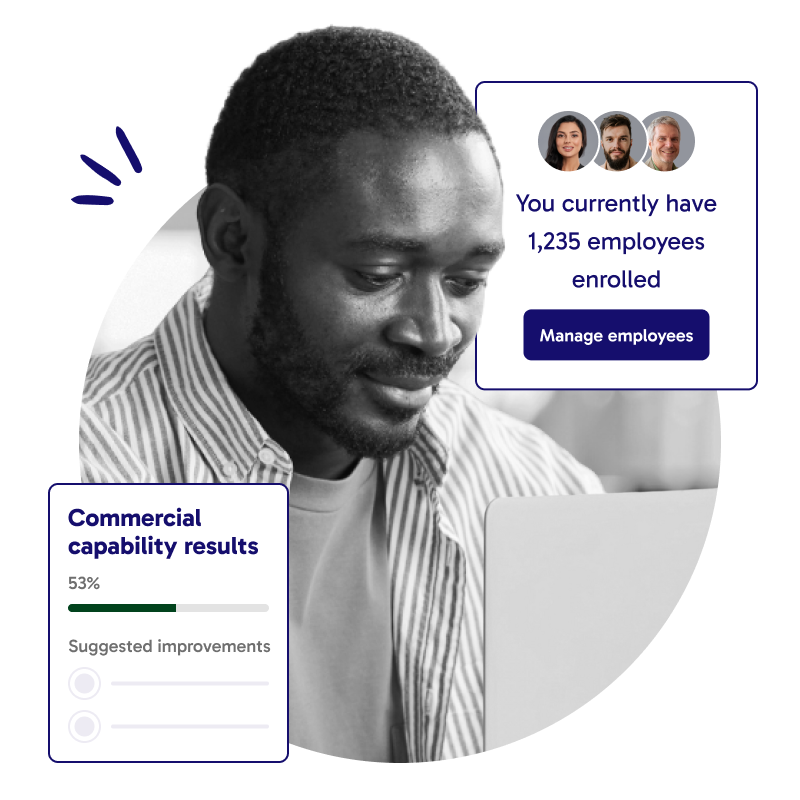
Our benchmark gives you a clear view of commercial capability across your organisation - and a board-ready plan to improve it.
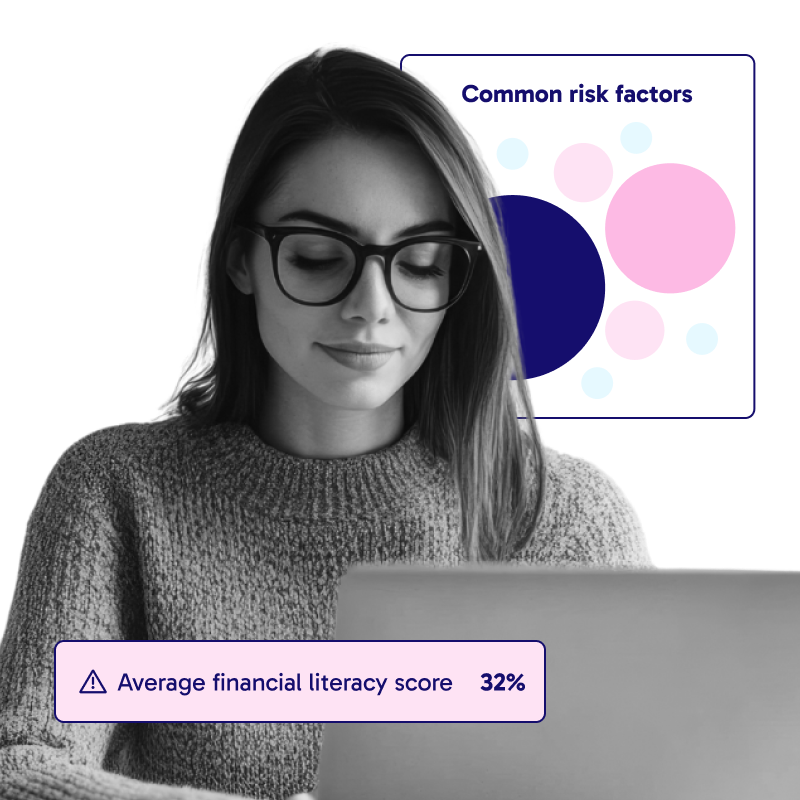





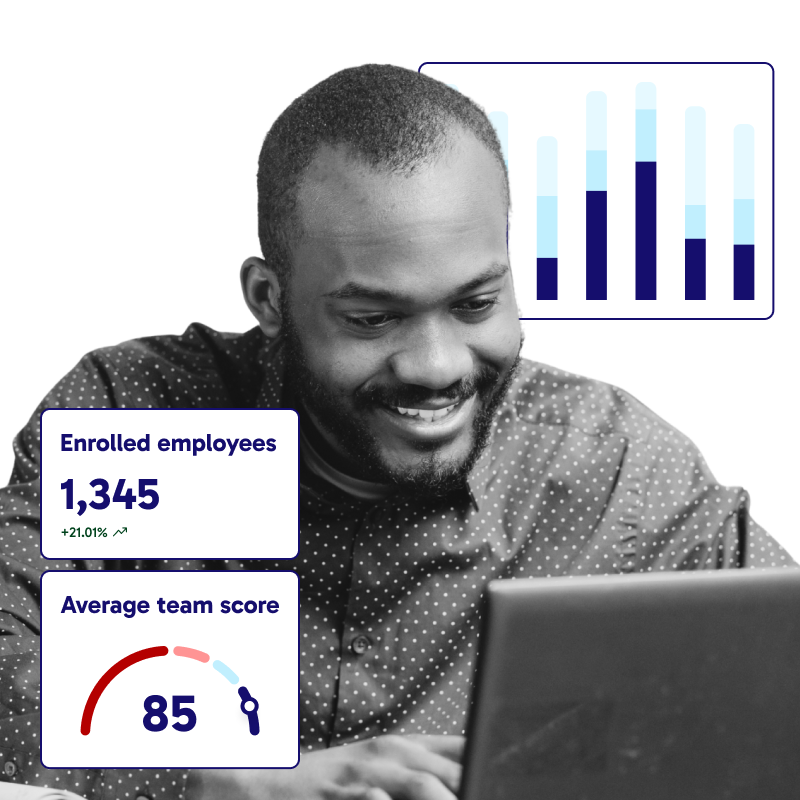
We have something called order of items in this component. What it does is, it adds classes to the div that contains the icons with the text and the big image.
The default settings are
flex-hor-cs-gap-m smalldev-flex-vert-cc smalldev-flex-vert-inverse
Please note there is a space between flex-hor-cs-gap-m and smalldev-flex-vert-cc and smalldev-flex-vert-inverse
This is because they are different classes. To have more that one class in the component editor we separate them by adding spaces between them.
If you want the image to be on the left and icons on the right, you would paste this instead:
flex-hor-cs-gap-m-inverse smalldev-flex-vert-cc smalldev-flex-vert-inverse

Jonathan Seaton
Co-founder and CEO at Twinkl
"We wanted a financial wellbeing solution that was 100% impartial, and Bippit was the only provider we could find that was preventing concerns, not profiting from them."


Chris Jones
CEO at BMJ Group
"You can draw a line between the financial wellbeing of your people and the financial performance of the business you’re running."


Naleena Gururani
CPO at Hyperoptic
"Our partnership with Bippit has been designed to be inclusive. We know financial challenges can affect anyone at any time, which is why we provide the free tools people need to feel financially and mentally empowered."


Jane Hulme
HR Director at Unum
"We wanted a benefit that helps our employees manage their finances effectively both now and in the future, so they are better prepared for long-term financial security. Many people are uncomfortable talking about finances, but it’s time to break the taboo."


Tori Cochrane
Group People Exp. Project Manager at Policy Expert
"Bippit has improved our employees' financial empathy towards our customers because they are able to relate to the different circumstances that people might find themselves in."


Mark Greenwald
Benefits and Wellbeing Manager at Lendlease
"Bippit helps normalise seeking financial support and planning ahead, just like one might for physical and mental wellbeing. Knowing what’s coming up, like starting a family, means our teams can make informed decisions at the right time, without being overwhelmed."


Claire Blomley
Senior Benefits Manager at Teva
"We know that mental health is a cornerstone of workplace happiness, and financial wellbeing plays a huge part in that. We’ve run onsite meetings about Bippit, and hosted a series of face-to-face and virtual training sessions. We’ve had an amazing response so far."


Nina Lomax
Head of People and Culture at Electric Square
"Being able to provide financial guidance to employees is definitely going to be a retention tool for us. Companies in the games industry aren’t offering things like Bippit, and employees are looking at things like this."






© 2026 All Rights Reserved
By visiting this website you agree to our cookie and privacy policy
Regulated by the FCA (No. 845814)
Your data is protected by the ICO (No. ZA533579)
